Cross-platform command-line interface for Power BI, Fabric, and Analysis Services
Deploy, validate, inspect, and script semantic models from any terminal — without opening a GUI. Runs on Windows, macOS, and Linux.
Now available in Limited Public Preview. You'll need to log in or sign up to a Tabular Editor account to download.
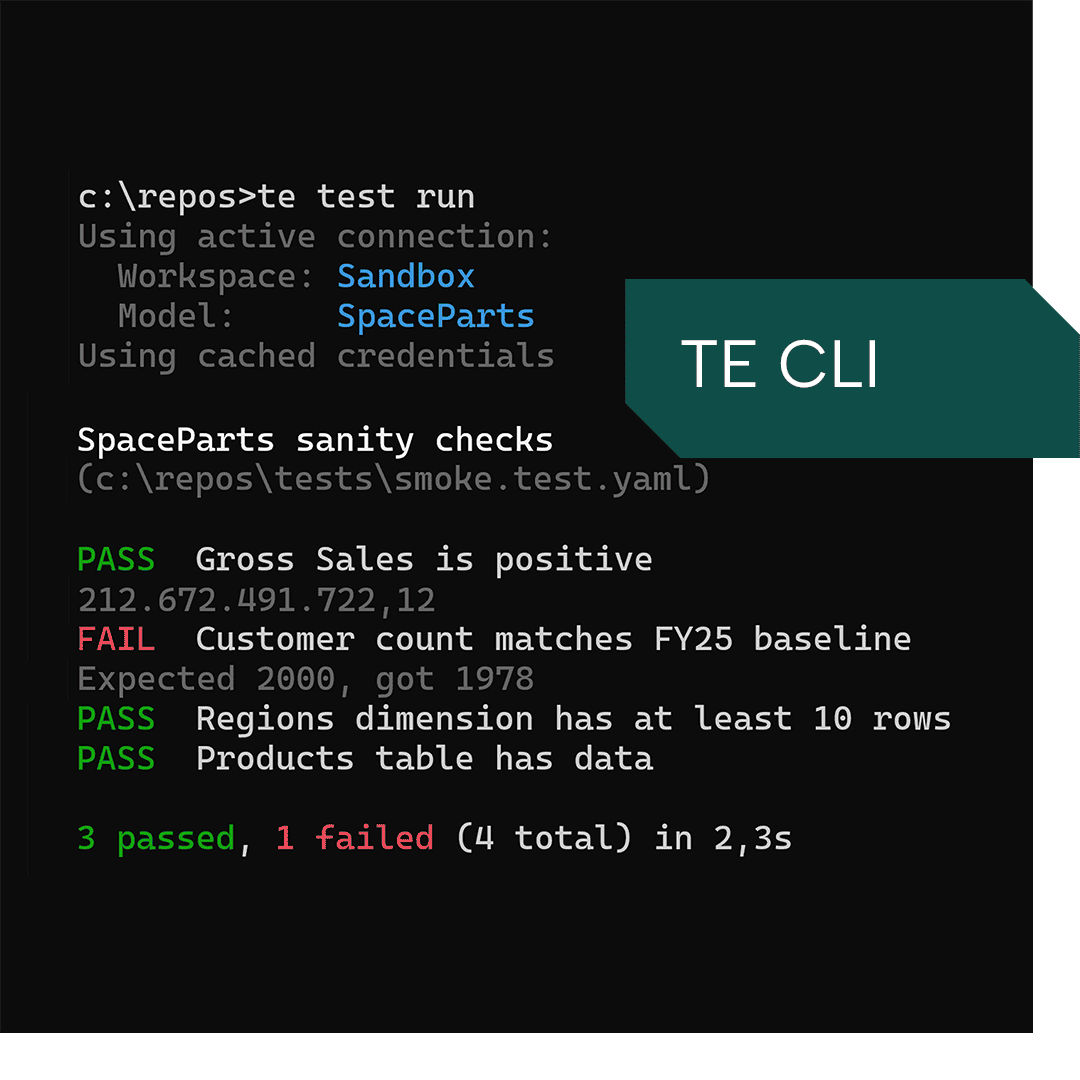
What the TE CLI changes
Without the TE CLI
Deployments need someone at a machine to run them
Validation and regression testing are manual pre-deploy steps
CI/CD pipelines run on the Windows-only TE2 command line
Model changes can't be scripted without the desktop app running
Automation tools and AI agents only work inside the desktop app
With the TE CLI
Deploy from any machine – on demand, scheduled, or programmatically
Validation and regression tests run automatically before every deploy
Works with GitHub Actions and Azure DevOps, or any CI/CD platform
Full model access from any terminal – inspect, edit, diff, test, refresh
Drive model automation from any script or agent harness
Everything you'd do in the GUI – without launching it
Some things don't need the whole GUI. A quick property check. A DAX query against a live model. Spotting what changed between two model versions. The TE CLI handles everything, no matter where your code lives.
- List, search, and inspect every object in your model
- Get and set properties on measures, columns, and tables
- Run DAX queries and return results as JSON or CSV
- Diff any two model versions and see exactly what changed
- Run any C# script
- Run BPA analysis and fix violations
Deployments that don't depend on a human
Set your CI/CD pipeline up with a validation gate, a pre-deploy check, and a deploy – if anything fails, everything stops. If it all passes, the model ships.
Repetitive model work that runs itself
Refreshes, validation checks, deployments – the things you do at the end of every sprint can run on a schedule or trigger automatically, without someone initiating them.
- Schedule refreshes against any connected workspace
- Run validation and performance queries after every refresh – catch regressions before users do
- Create custom partitions from automation scripts
- Work across every model in a workspace or a Git repository
Run your first deploy from the terminal
The Tabular Editor CLI turns manual model work into something you can script, schedule, and trust.
What is the Tabular Editor CLI?
The Tabular Editor CLI (TE CLI) is a cross-platform command-line tool for Power BI, Fabric, and Analysis Services semantic models. It runs on Windows, macOS, and Linux as a self-contained binary — no runtime dependencies — and uses the same model engine as Tabular Editor 3.
Which Tabular Editor features are supported?
Full C# script compatibility, Best Practice Analyzer, DAX queries, model editing, deployment, refresh, and testing. See the command reference for the full list.
Does Tabular Editor see any of my model metadata or data?
No. Just like Tabular Editor 3, the TE CLI runs locally and never sends your model information – data or metadata – to us.
Does this work with my preferred AI coding agent?
Yes. Any agent harness with a tool or feature that allows running commands can use the TE CLI.
Do I need a Tabular Editor 3 license?
No. During the limited public preview – running until 2026-11-30 – the CLI can be used with a Tabular Editor account. General availability licensing will be announced before release. If you don't have an account yet, or if you're not sure, we’ll prompt you for this and walk you through it when you download the TE CLI.
What does limited public preview mean?
Which platforms does it run on?
Can I use it in production now?
Which authentication methods are supported?
Interactive login, service principals via environment variables, managed identity (for Azure-hosted environments), and certificate-based authentication.
Where do I report bugs or request features?
The public TabularEditor/CLI repository on GitHub is where preview feedback, bugs, and feature requests are tracked.