Tabular Editor 点击式演示

体验 Tabular Editor 的强大功能——无需安装

了解 Tabular Editor 如何帮助您以前所未有的速度构建、优化和部署,并试用我们基于浏览器的交互式演示,指导您完成现实世界的建模和 DAX 场景。
tabular-editor-situation-30-1080x1080
很遗憾,我们的点击式演示在移动设备上不可用。

初级

了解 Tabular Editor 如何融入现实世界的 BI 工作流程。每个演示都会介绍实际场景,重点介绍如何有效地建模、优化和部署。

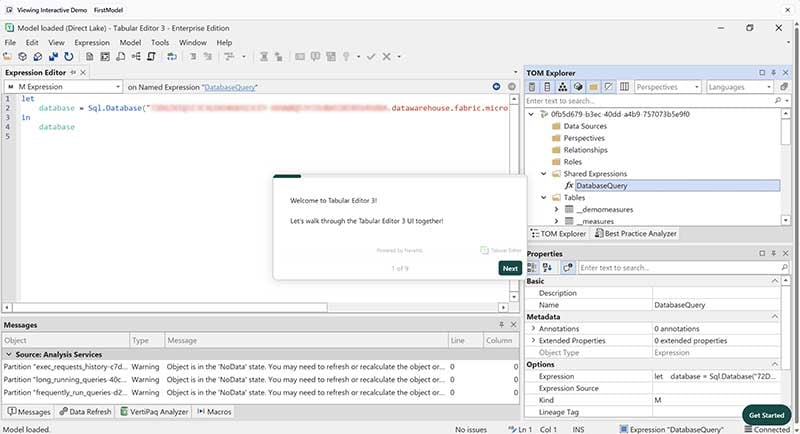
Tabular Editor UI 概述

tabular-editor-click-through-demo-ui-overview-thumb
让我们一起浏览 Tabular Editor 3 UI!

您的第一个 Tabular Editor 模型

tabular-editor-click-through-demo-1-thumb
构建您的第一个模型、探索数据并进行批量更改。

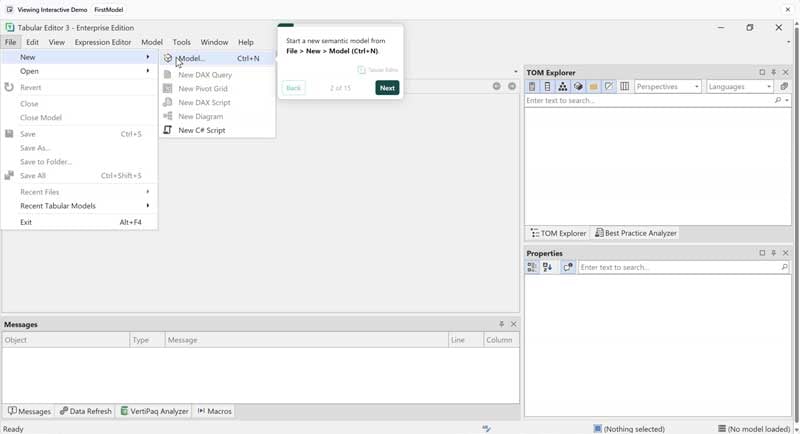
创建模型

tabular-editor-click-through-demo-first-model-thumb
了解如何使用 Tabular Editor 创建您的第一个模型!

表格组

tabular-editor-click-through-demo-table-groups-thumb
了解如何在 Tabular Editor 中使用表格组组织表格!

图表视图

tabular-editor-click-through-demo-diagram-view-thumb
让我们看看如何使用图表视图和关系!

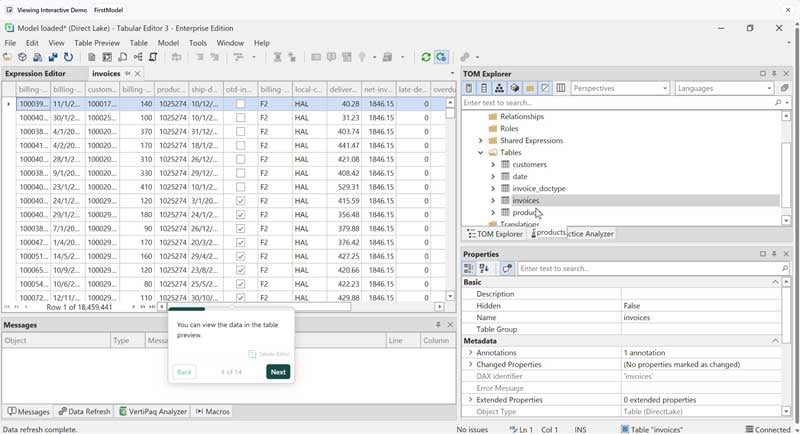
预览表格和刷新

tabular-editor-click-through-demo-preview-tables-and-refreshes-thumb
让我们学习如何在 Tabular Editor 中运行数据刷新和预览表格数据(任意数量的表格)!

数据探索

tabular-editor-click-through-demo-data-exploration-thumb
了解如何探索语义模型中的数据。

执行 DAX 查询

tabular-editor-click-through-demo-execute-dax-query-thumb
让我们学习如何在 Tabular Editor 中执行 DAX 查询和查看结果!

中级

深入了解宏、Best Practice Analyzer 和数据探索等关键功能。展示 Tabular Editor 强大功能的快速交互式演示。

透视编辑器

tabular-editor-click-through-demo-perspective-editor-thumb
了解如何使用透视编辑器编辑语义模型中的透视!

元数据翻译编辑器

tabular-editor-click-through-demo-metadata-translation-editor-thumb
让我们学习如何使用 Tabular Editor 的元数据翻译编辑器!

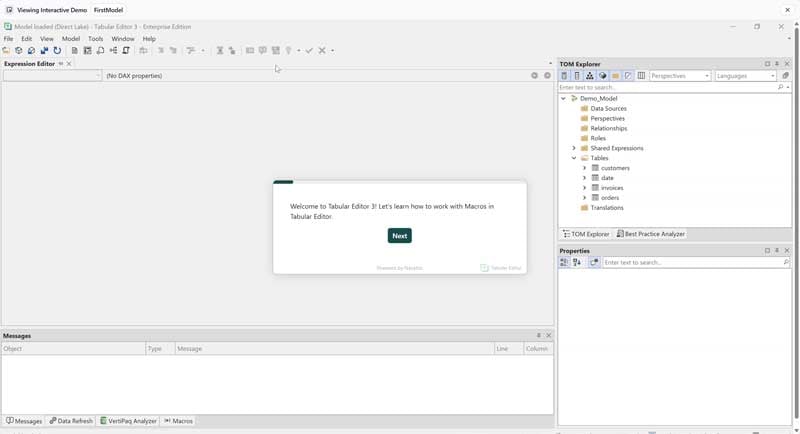
宏

tabular-editor-click-through-demo-macros-thumb
了解如何在 Tabular Editor 中使用宏。

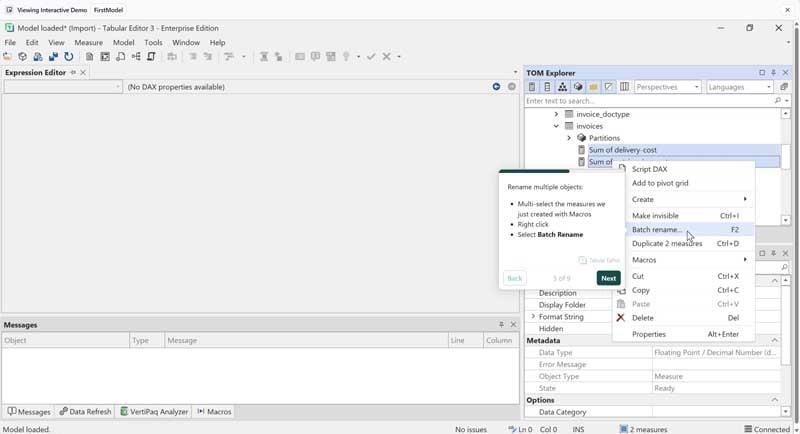
批量更改

tabular-editor-click-through-demo-batch-changes-thumb
观看如何在语义模型中进行批量更改。

DAX 脚本

tabular-editor-click-through-demo-dax-scripts-thumb
此演示演示如何在 DAX 脚本中编辑 DAX 对象及其属性!

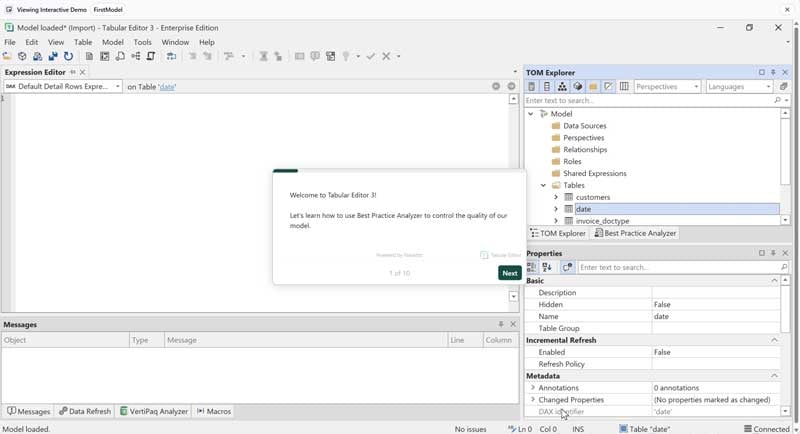
最佳实践分析器 (BPA)

tabular-editor-click-through-demo-bpa-thumb
了解如何使用最佳实践分析器控制我们模型的质量。

DAX 代码操作

tabular-editor-click-through-demo-dax-code-actions-thumb
了解如何使用代码操作编写更好的 DAX 代码!

代码助手

tabular-editor-click-through-demo-code-assistant-thumb
观看如何使用 IntelliSenseTM/代码助手在 Tabular Editor 中更快地编写更好的 DAX 代码!

Vertipaq Analyzer

tabular-editor-click-through-demo-vertipaq-analyzer-thumb
了解如何使用 Vertipaq Analyzer 找到语义模型中的重表、高基数列和编码效率低下!

AI 助手和 MCP 服务器

tabular-editor-click-through-demo-ai-assistant-thumb
本指南介绍如何使用 AI 助手和 MCP 服务器,在 Tabular Editor 中提升工作效率并获取 AI 控制功能。


高级

体验功能强大的 DAX 调试器,观看如何在 Fabric 中构建 Direct Lake 语义模型,并了解 DAX 优化器在 Tabular Editor 中的工作原理。

DAX 调试器

tabular-editor-click-through-demo-dax-debugger-thumb
了解如何在 Tabular Editor 中调试 DAX 代码!

DAX 优化器

tabular-editor-click-through-demo-dax-optimizer-thumb
让我们学习如何在 Tabular Editor 中使用 DAX 优化器。

使用 Fabric 模型

tabular-editor-click-through-demo-fabric-models-thumb
观看此演示,了解如何在 Tabular Editor 中使用 Microsoft Fabric 创建和构建 Direct Lake 语义模型。

DAX 创作体验

tabular-editor-click-through-demo-dax-authoring-experience-thumb

让我们学习如何使用 Tabular Editor 和代码助手更快地编写更好的 DAX 代码!

迫不及待想开始了吗?免费试用 30 天 Tabular Editor 3。

快速、低成本采用

Tabular Editor 3 附带完整的学习生态系统,因此您的团队可以快速提升并更快地提供价值。

适合各种技能水平的免费在线课程

适合各种技能水平的免费在线课程——让新老团队成员都能快速提高工作效率。

每周洞察,让您的团队保持敏锐

您的 BI 团队始终掌握最新内容和最佳实践,因此采用并不是一次性事件,而是持续的优势。

认证 Tabular Editor 合作伙伴网络

认证 Tabular Editor 培训师和合作伙伴网络,可以为您的团队提供帮助。